Video2026-03-307 min readBack to blog split render walkthrough
How the new video upscale pass works: base motion first, saved latent second, final render last
This feature exists for one reason: do not make the expensive final pass guess from scratch. Render the motion solve first, keep the latent, and only then spend the second pass on the version you actually want to keep.
inputs
One example starting point
This page shows one concrete clip pair, but the split render logic is broader than this example. The workflow works the same way whether the shot begins from a text prompt, an existing visual, or another supported initialization path.
The important distinction
Input mode changes how the shot is initialized. It does not change what the split render is doing: the first pass establishes motion and structure, the latent preserves that intermediate state, and the second pass finishes the final render from the same solve.
flow
What actually happens in the split render
Step 0101
Start from the shot you want
The split render is not tied to one input mode. A job can start from text, a supplied visual, a continuation point, or another supported setup, but the base/upscale handoff works the same way.
Step 0202
Render the base pass first
The base pass is the fast motion-establishing stage. It outputs a playable first clip and, more importantly, the saved latent that preserves the same shot state for a later second pass.
Step 0303
Run the upscale pass on the latent
The final upscale is not a generic MP4 enlargement. It reloads the saved latent from the base pass and finishes the final render so the output stays tied to the same motion solve.
demo pair
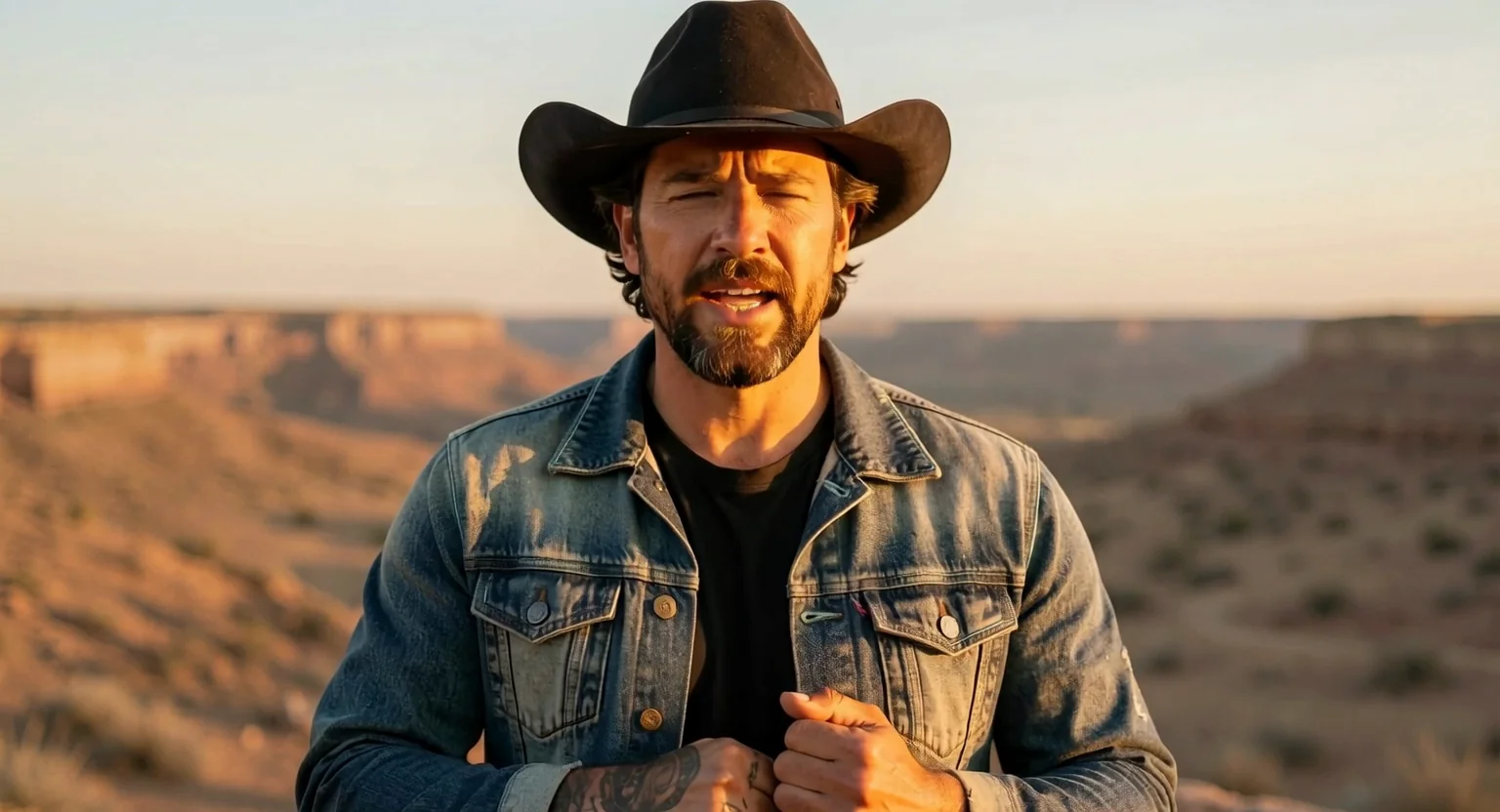
Base pass versus final upscaled clip
The base output is the quick read on motion, timing, and facial behavior. The upscaled output is the second-stage finish that comes back through the saved latent rather than enlarging the MP4 as a generic post-process.
Base pass
The quick first read on the shot. This is the clip you review before deciding whether the shot deserves the second pass.
Upscaled final render
Second-stage finish from the saved latent. The shot stays in the same motion family, but the final render spends the extra compute where it matters.
why it helps
Why this is better than “just upscale the MP4”
You can evaluate motion, framing, and overall shot behavior on the cheaper first pass before paying for the final finish.
The upscaled result stays linked to the approved base latent instead of trying to invent detail from an already-encoded MP4.
The workflow is better for review loops because base and final outputs are part of one coherent render lineage.
practical note
The main rule
Keep the base latent if you want a real second-stage finish later. If you only keep the MP4, you still have a clip, but you no longer have the exact intermediate state the upscale pass expects.
That is the difference between a true split render workflow and a generic post-export enlargement pass.